KPSOL vs Document360: Beyond Documentation to Better Knowledge Management
KPSOL is a dedicated knowledge management platform designed to help organisations govern, maintain, discover and distribute business-critical knowledge. Document360 is a knowledge base and documentation platform focused on creating, organising and publishing structured information. While Document360 provides a strong environment for managing documentation, KPSOL offers a broader approach to knowledge management, with particular emphasis on configurable governance, granular access controls, tailored team experiences and connecting knowledge across existing repositories. The right choice depends on how your organisation needs to manage and use its knowledge.
Choosing a knowledge management (KM) platform is about more than creating articles, publishing documentation or organising information into categories. Organisations need to ensure that knowledge is accurate, accessible, appropriately controlled and continuously maintained as business requirements evolve.
Document360 provides tools for creating, organising, maintaining and publishing knowledge base content. Its structured documentation capabilities, content management features and search functionality make it a relevant option for organisations looking to establish and maintain a centralised knowledge base.
However, managing a knowledge base is not necessarily the same as managing knowledge across an entire organisation. Businesses with multiple departments, different information access requirements and established content repositories may need greater flexibility in how knowledge is governed, presented and maintained.
KPSOL offers a dedicated, governance-led knowledge management alternative. It combines configurable workflows, granular access controls, structured content management, tailored homepages, knowledge maintenance capabilities and the ability to index information from supported external repositories.
For organisations that need more than a conventional documentation environment, KPSOL provides an alternative approach that places organisational knowledge governance and flexibility at the centre of the platform.
This comparison examines how the two platforms differ, where each delivers value and which is better suited to different knowledge management requirements.
KPSOL and Document360: An Overview
KPSOL: Purpose-Built Knowledge Management
KPSOL helps organisations manage business knowledge through configurable governance, structured content, controlled access and ongoing knowledge maintenance.
Its Universal Knowledge platform includes:
- Configurable content workflows, approval processes and review reminders.
- Revision history, revision comparison, rework requests and content revalidation.
- Automatic content expiry and structured review processes.
- Granular roles, user groups, secure portals and section-level content classifications.
- Structured templates, mandatory custom fields, taxonomies and decision trees.
- Answer-level search, relevant document sections, filters and search analytics.
- Multiple tailored homepages and layouts for different teams and audiences.
- Indexing of content from supported external repositories, including SharePoint, Google Docs, Dropbox and websites.
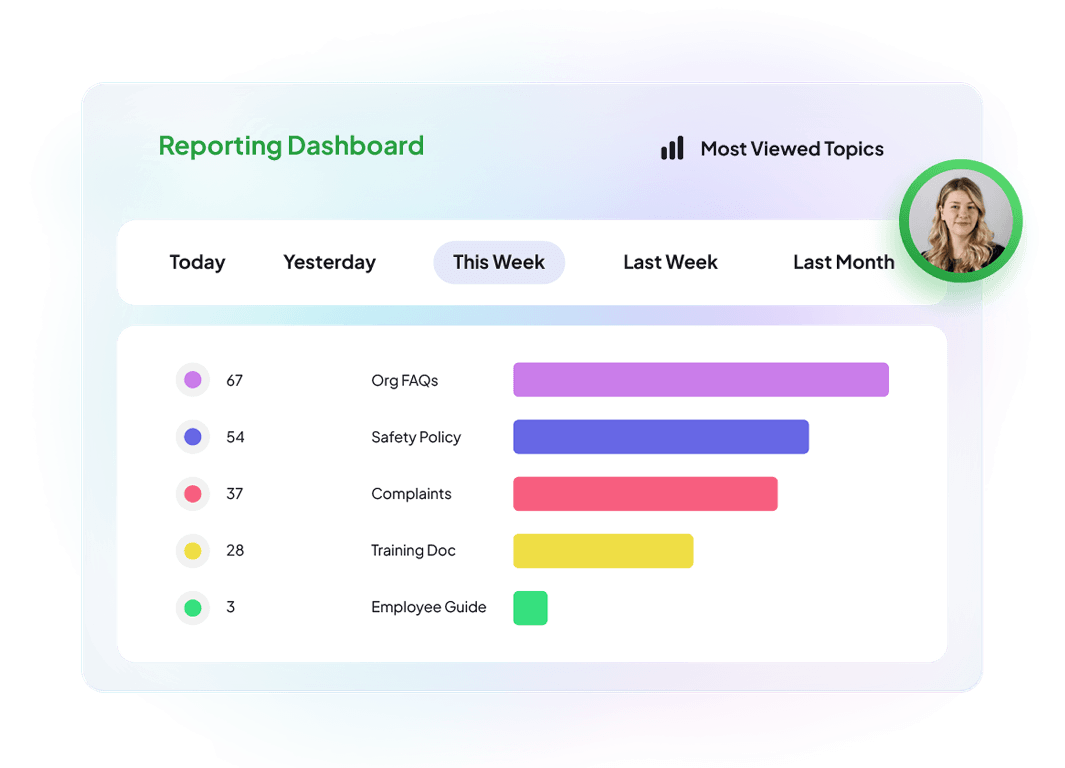
- Knowledge gap identification, usage reporting and contribution insights.
These capabilities are particularly relevant to organisations where knowledge needs to remain accurate, consistent and appropriately controlled throughout its lifecycle.
Rather than simply providing a place to publish documentation, KPSOL focuses on helping organisations manage knowledge as an ongoing business asset.
Website: https://www.kpsol.com/
Document360: Structured Knowledge Base and Documentation Management
Document360 provides a platform for creating, organising, maintaining and publishing knowledge base content.
Its feature set includes:
- Article templates, categories and tags.
- Reusable content blocks.
- Revision history and content management.
- Review reminders.
- Customisable knowledge base presentation.
- Search and AI-supported knowledge discovery.
- Tools for organising and maintaining structured documentation.
These capabilities provide a useful foundation for organisations that need to create and maintain centralised documentation, whether for internal knowledge sharing or customer-facing knowledge bases.
Document360 is particularly relevant where the primary requirement is to establish a structured environment for publishing and maintaining articles, guides and supporting documentation.
However, organisations with more extensive knowledge management requirements should consider how each platform accommodates configurable governance, complex access arrangements, multiple team-specific experiences and connections to existing knowledge repositories.
The key consideration is whether an organisation needs a structured documentation platform or a more flexible knowledge management environment designed around its wider operational requirements.
Website: https://document360.com/
KPSOL vs Document360: Feature Comparison
The following comparison looks at capabilities relevant to organisations considering a dedicated knowledge management solution.
Rather than assigning numerical scores, it identifies where functionality is available, where additional configuration may be required and where the platforms take different approaches.
| Capability | KPSOL | Document360 |
| Knowledge governance | ✓Configurable workflows, approval processes, review reminders, rework requests, content revalidation and automatic expiry. | ✓Article management, revision history and review reminders support documentation governance. More specialised organisational knowledge governance processes should be assessed against available functionality. |
| Access control | ✓Granular roles, user groups, secure portals and section-level content classifications. | ✓Access management and knowledge base configuration support controlled information access. Specific permission requirements may depend on the selected subscription and configuration. |
| Content standardisation | ✓Structured templates, mandatory custom fields, taxonomies, reusable sections and decision trees. | ✓Article templates, categories, tags and reusable content blocks support structured documentation. |
| Realtime collaborative editing | ◐Authors can collaborate through discussions, but only one author can edit content at a time. | ✓Multiple contributors can edit the same article simultaneously, with live updates, shared editing and inline comments. |
| Knowledge maintenance | ✓Revision comparison, revalidation, rework requests, review reminders and automatic expiry. | ✓Revision history and review reminders support content maintenance. More extensive lifecycle management requirements should be evaluated against available functionality. |
| Search and knowledge discovery | ✓Answer-level search, relevant document sections, filters and search analytics. | ✓Search and AI-supported capabilities provide knowledge discovery within the documentation environment. |
| External knowledge sources | ✓Supported repositories including SharePoint, Google Docs, Dropbox and websites can be indexed at source. | ◐External knowledge connectivity should be assessed against the specific repositories, integrations and configuration required. |
| Tailored team experiences | ✓Multiple configurable homepages, layouts, navigation and role-specific content. | ◐Customisable knowledge base presentation provides flexibility, although delivering multiple distinct team-specific experiences may require additional configuration or workarounds. |
| Knowledge-specific features | ✓Ask the Expert, rework requests, decision trees and knowledge gap reporting. | ◐Documentation and AI-supported knowledge capabilities are available, but equivalent specialised organisational knowledge management processes may require additional configuration or complementary applications. |
| Integration | ✓APIs and supported integrations with business applications, repositories, CRM and ITSM systems. | ✓Integrations and APIs support connections with other applications, subject to available connectors and configuration. |
| Pricing approach | ✓Feature-inclusive pricing proposition, without additional charges for specific functionality, configuration or security models, subject to agreed pricing terms. | ◐Pricing and available capabilities depend on the selected package, with additional considerations potentially including security options, workspaces, languages and AI usage allowances. |
Understanding the comparison: Both platforms provide valuable capabilities for creating, organising and maintaining knowledge. There is considerable overlap in areas such as content management, access control, revision history and search.
The main distinction is that KPSOL provides dedicated knowledge management functions within one platform, whereas Document360 focuses primarily on structured documentation and knowledge base publishing.
KPSOL offers particular advantages for organisations requiring configurable knowledge governance, more granular access arrangements, multiple tailored team experiences and discovery across distributed knowledge repositories.
Document360 remains a relevant option for organisations whose principal requirements centre on creating, maintaining and publishing structured documentation.
The right choice depends on the complexity of the organisation’s knowledge environment and the level of flexibility and control required.
Assessment methodology: Each capability is assessed as either Yes or Partial. Yes indicates that the platform provides the stated capability. Partial indicates that the capability may be available in a more limited form, may require additional configuration or integrations, or may not fully address the broader requirement described. Actual functionality should be verified against the relevant product edition, subscription and configuration before purchasing.
Five Reasons to Consider KPSOL for Knowledge Management
Put Knowledge Governance at the Heart of the Process
Business knowledge needs to be more than available. It needs to be accurate, current, approved and maintained throughout its lifecycle.
Without structured governance, organisations can accumulate outdated procedures, inconsistent guidance and information that no longer reflects current business practices. Review responsibilities can become unclear, while content owners may struggle to maintain consistency across multiple departments.
KPSOL supports configurable content workflows, approval processes, revision history, rework requests, review reminders, content revalidation and automatic expiry.
These capabilities help organisations establish repeatable processes for creating, reviewing and maintaining business-critical knowledge.
Document360 also provides content management capabilities, including revision history and review reminders, which support the maintenance of structured documentation.
However, organisations seeking more extensive knowledge lifecycle management should assess how each platform supports their particular governance requirements and the level of configuration needed.
The business benefit: A more controlled approach to knowledge quality, clearer accountability for reviews and less reliance on informal content maintenance.
Create a Tailored Knowledge Experience for Every Team
Different teams need different information, navigation and ways of working.
Customer service employees may need troubleshooting guidance and standard responses. Operational teams may require process instructions and compliance information. HR teams may need policies and employee guidance, while technical specialists may require detailed procedures.
A single knowledge experience may not meet every audience’s needs equally well.
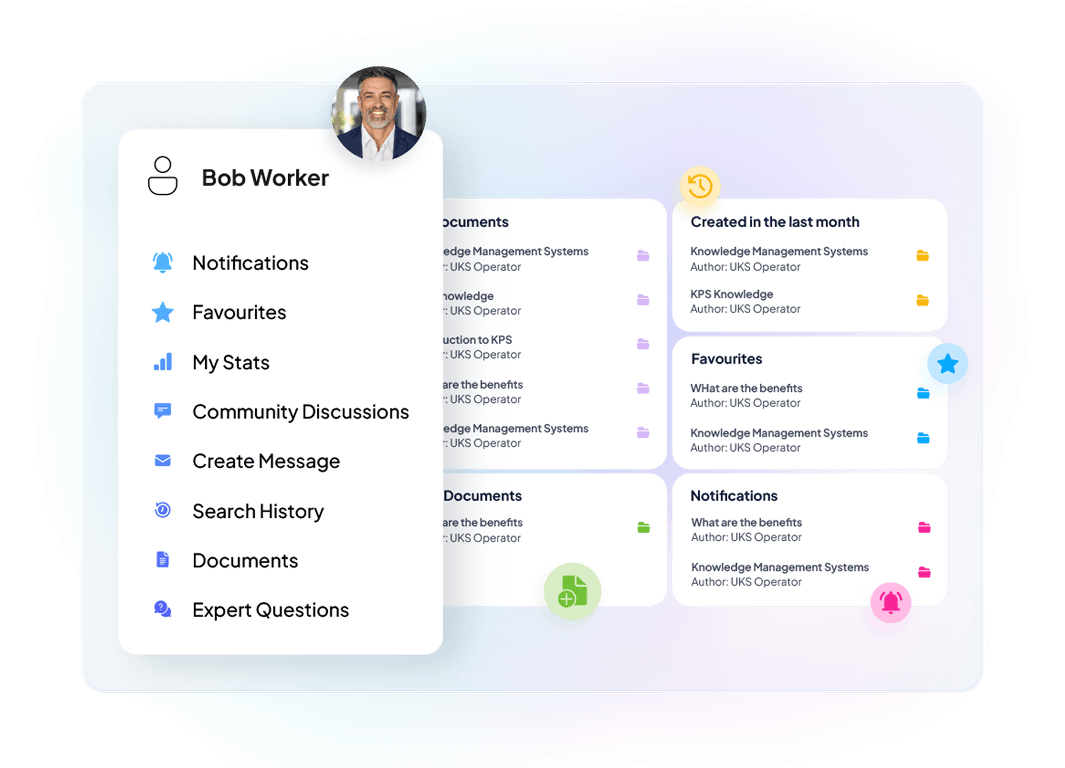
KPSOL enables organisations to create multiple tailored homepages and layouts, configuring content, navigation and presentation for different teams and use cases.
This provides greater flexibility for organisations that want their knowledge environment to reflect their departmental structures, responsibilities and working practices.
Document360 offers customisation options for its knowledge base presentation, helping organisations organise and present documentation effectively.
However, businesses with more complex requirements should evaluate how easily each platform can deliver distinct experiences for different internal audiences without introducing unnecessary administrative overhead.
The business benefit: More relevant knowledge experiences that help employees access information aligned with their roles and responsibilities.
Manage Information Access With Greater Precision
Not all organisational knowledge should be available to everyone.
Businesses often need to manage information according to departmental responsibilities, individual roles, confidentiality requirements and operational processes.
For example, HR information may need to be restricted to particular audiences, while operational procedures may only be relevant to specific teams. Other knowledge may need to be made available across the entire organisation.
KPSOL supports granular roles, user groups, secure portals and section-level content classifications.
These capabilities give organisations additional flexibility in structuring access to information and aligning permissions with their internal governance requirements.
Document360 also provides access management and knowledge base configuration capabilities. However, organisations should evaluate the specific permission structures and security options available within their chosen subscription against their operational requirements.
For businesses with complex information access needs, the ability to control access at the appropriate level should be an important consideration when selecting a knowledge management platform.
The business benefit: A more adaptable approach to permissions and information access, helping organisations manage knowledge in line with their operating model.
Improve Knowledge Discovery Across Existing Information Sources
Finding a document is not always the same as finding an answer.
Employees may know that relevant information exists but still need to search through lengthy documents, navigate multiple folders or ask colleagues for help locating the correct section.
KPSOL focuses on knowledge discovery through answer-level search, relevant document sections, filters, structured taxonomies and search analytics.
Its fragment search technology identifies relevant sections within longer documents, helping employees move closer to the information they actually need without having to open and read entire files.
Document360 provides search and AI-supported capabilities to help users discover information within its knowledge base environment.
Both platforms therefore address knowledge discovery, although they approach it within different knowledge management environments.
For organisations whose employees regularly need specific answers rather than simply access to published articles, the quality and relevance of the search experience should be an important evaluation criterion.
Search effectiveness should be tested using representative organisational questions and actual business content rather than relying solely on product demonstrations.
The business benefit: A more targeted approach to finding relevant information, with the potential to reduce time spent searching and reliance on colleagues for routine answers.
Connect Existing Knowledge Without Unnecessary Duplication
Business knowledge is rarely stored in one place.
Organisations may already maintain valuable information across SharePoint, Google Docs, Dropbox, websites and specialist departmental systems.
Copying information into another platform can create additional maintenance work and increase the risk of inconsistent versions.
KPSOL can index content from supported external repositories without duplicating the original source content, helping organisations make distributed knowledge easier to discover while allowing information to remain in its existing location.
This is particularly relevant to organisations that want to improve access to established information without undertaking an unnecessary consolidation exercise.
Document360 provides a structured environment for managing documentation, but organisations with knowledge distributed across multiple repositories should establish which external sources can be connected, how those integrations operate and whether additional configuration or services are required.
The business benefit: Greater accessibility across distributed knowledge sources, with less need to maintain duplicate copies of existing information.
Specific repository coverage, indexing behaviour, synchronisation and permission handling should be confirmed against the integrations required.
When Is Document360 Enough, and When Should You Consider KPSOL?
The best solution depends on the organisation’s requirements, existing information environment and approach to knowledge management.
Document360 may be the right choice when:
- The primary requirement is creating, organising and publishing structured documentation.
- The organisation needs a centralised knowledge base for articles, guides and supporting information.
- Existing documentation management and review processes meet organisational requirements.
- The organisation values article templates, categories, tags and reusable content blocks.
- Search and AI-supported discovery within a structured knowledge base meet employee requirements.
- The organisation is comfortable working within the capabilities and commercial arrangements of its selected Document360 package.
- There is no immediate requirement for a broader, dedicated knowledge management environment.
For organisations primarily focused on documentation and knowledge base publishing, Document360 is a relevant option. If its existing functionality meets business requirements, introducing another platform may add unnecessary complexity.
KPSOL may be the better fit when:
- Knowledge requires structured governance, review and revalidation throughout its lifecycle.
- Different teams need multiple tailored homepages and knowledge experiences.
- Employees need to find specific answers within longer documents.
- The organisation requires granular access controls, user groups and section-level content classifications.
- Knowledge is distributed across several repositories and needs to be discoverable without unnecessary duplication.
- Content owners need greater visibility of knowledge gaps, usage and maintenance requirements.
- The organisation wants dedicated knowledge management capabilities rather than relying primarily on a documentation publishing environment.
- Transparent, feature-inclusive pricing is an important purchasing consideration.
The Commercial Case: Compare Total Value, Not Just Features
A knowledge management platform should be judged by how effectively it supports organisational requirements, not simply by the number of features it offers or its headline subscription price.
The cost of a solution extends beyond its initial licence. Organisations should consider implementation, configuration, administration, integrations, ongoing maintenance and the effort required to deliver the intended employee experience.
Document360 offers different subscription options, with available capabilities and commercial arrangements depending on the selected package and requirements.
Organisations should establish which features, security options, languages, workspaces and AI usage allowances are necessary before comparing the total investment.
KPSOL’s commercial proposition emphasises flexible, feature-inclusive pricing without additional charges for specific functionality, configuration or security models, subject to agreed pricing terms.
For organisations with more extensive knowledge management requirements, this provides an opportunity to evaluate the platform against the capabilities they need without assuming that every desired function must be treated as a separate purchase.
When evaluating KPSOL and Document360, consider five practical questions:
- How much governance is required? Determine whether basic documentation review processes are sufficient or whether more structured knowledge lifecycle management is needed.
- How do employees find answers? Test common employee questions against real documents, policies and procedures rather than relying solely on general search demonstrations.
- How much flexibility is needed? Establish whether different teams require distinct knowledge experiences, navigation and access arrangements.
- Where does existing knowledge reside? Identify the repositories that need to be searched and confirm that the proposed solution supports the required content and permissions.
- What is the total cost of ownership? Include licences, implementation, configuration, administration, integration and ongoing maintenance.
Document360 may offer an appropriate commercial solution where requirements centre on structured documentation and knowledge base publishing.
KPSOL becomes particularly compelling when the organisation needs a more dedicated approach to knowledge governance, granular access management, tailored employee experiences and discovery across distributed information sources.
The important point is to compare the total investment required to achieve the desired knowledge management outcomes rather than comparing subscription prices in isolation.
Frequently Asked Questions: KPSOL vs Document360
Is KPSOL better than Document360 for knowledge management?
It depends on the organisation’s requirements. Document360 provides a structured environment for creating, organising and maintaining documentation. KPSOL is designed specifically for broader knowledge management, with dedicated capabilities for content governance, granular access controls, answer-level search, knowledge maintenance and tailored employee experiences.
Organisations with more extensive governance, integration and flexibility requirements may find KPSOL a better fit.
What is the difference between KPSOL and Document360?
The main difference is their approach to managing organisational knowledge.
Document360 focuses on creating, organising and publishing structured documentation through a knowledge base environment.
KPSOL takes a broader knowledge management approach, combining configurable workflows, granular permissions, structured content, tailored homepages, answer-level search and external knowledge source indexing.
The right choice depends on whether the organisation primarily needs a documentation platform or a more flexible environment for managing knowledge across teams and systems.
Can KPSOL integrate with existing knowledge repositories?
Yes. KPSOL can index content from supported external repositories, including SharePoint, Google Docs, Dropbox and websites.
This allows organisations to make information discoverable through their knowledge management platform while the original content remains in its existing location.
Specific repository support, indexing behaviour, permissions and synchronisation arrangements should be confirmed against the required integrations.
Can Document360 be used as a knowledge management system?
Yes. Document360 provides capabilities for creating, organising, maintaining and publishing structured knowledge base content.
Its article templates, categories, tags, revision history, review reminders and search capabilities can support a range of knowledge management requirements.
However, organisations requiring more extensive capabilities, such as granular organisational access structures, multiple tailored team experiences and broader knowledge repository connectivity, should assess whether additional configuration or complementary applications are required.
Can KPSOL provide different knowledge experiences for different teams?
Yes. KPSOL supports multiple configurable homepages and layouts, allowing organisations to tailor content, navigation and presentation for different teams and audiences.
This is particularly useful for organisations where employees have different responsibilities and require access to different types of information.
How does KPSOL approach knowledge governance?
KPSOL supports configurable workflows, approval processes, revision history, revision comparison, rework requests, review reminders, content revalidation and automatic expiry.
These capabilities help organisations establish structured processes for creating, reviewing and maintaining business-critical knowledge.
The objective is to ensure that information remains accurate, relevant and appropriately controlled throughout its lifecycle.
How do KPSOL and Document360 compare on pricing?
Both platforms should be evaluated against the capabilities and subscription arrangements required by the organisation.
KPSOL’s commercial proposition emphasises feature-inclusive pricing without additional charges for specific functionality, configuration or security models, subject to agreed pricing terms.
Document360’s pricing and available functionality depend on the selected package and requirements.
Organisations should compare the complete cost of ownership, including licensing, implementation, integrations, administration and any additional services or usage allowances.
The Verdict: KPSOL vs Document360 for Knowledge Management
Document360 provides a structured solution for organisations focused on creating, organising, maintaining and publishing documentation.
Its article management, templates, categories, tags, revision history and search capabilities make it a relevant choice for businesses looking to establish and maintain a centralised knowledge base.
For organisations whose requirements centre on documentation and publishing, Document360 may provide an appropriate solution.
However, organisations that need knowledge to be systematically governed, maintained, discovered and tailored to different audiences should look beyond documentation management alone.
KPSOL provides a dedicated knowledge management proposition, combining configurable workflows, granular access controls, structured content management, answer-level search, knowledge maintenance and multiple team-specific experiences.
Its ability to index supported external sources also creates an opportunity to connect existing knowledge without unnecessarily duplicating original content.
The comparative assessment highlights KPSOL’s strengths against the organisational requirements considered, particularly in governance, access management, lifecycle control, external knowledge connectivity and tailored experiences.
For organisations that need a dedicated knowledge management platform, KPSOL deserves serious consideration.
For businesses already using Document360, the important question is how well their current platform meets wider organisational knowledge requirements and whether a more flexible knowledge management approach could deliver additional value.
Ultimately, the decision should not simply be about where articles and documents are published. It should be about how effectively your organisation can govern, discover, maintain and use its knowledge.
If those are your priorities, evaluating KPSOL alongside Document360 could help identify the right approach for your organisation.
Discover What KPSOL Could Deliver for Your Organisation
Explore how KPSOL could help your organisation strengthen knowledge governance, improve information discovery and create a more flexible approach to managing business-critical knowledge.
- Visit KPSOL: https://www.kpsol.com/
- Explore product features: https://www.kpsol.com/knowledge-management-product/features/
- Explore integrations: https://www.kpsol.com/knowledge-management-product/integrations/
- Explore the knowledge management product and request a demonstration: https://www.kpsol.com/knowledge-management-product/
Evaluate KPSOL against your current knowledge management challenges and discover how a more configurable, governance-led approach could support your teams.
Use a demonstration to explore how KPSOL handles your actual requirements, from content approval and review to team-specific layouts, information access and external knowledge repositories.
Build a knowledge environment around the way your organisation works, rather than forcing your organisation to work around the limitations of its knowledge platform.
Article information
Last reviewed: November 2026.
Accuracy statement: This comparison reflects the product capabilities and comparative information provided for assessment. Features, integrations, licensing and functionality may vary according to product editions, configurations and commercial arrangements. Readers should confirm specific requirements directly with the respective suppliers before making purchasing decisions.
About the author
With 20 years at KPSOL, Joanne Southward brings extensive hands-on experience helping organisations implement knowledge management solutions. Combining a detailed understanding of KPSOL’s knowledge management platform with a strong commitment to knowledge management best practice, Joanne’s approach is simple: understand the organisation, design the right solution, and help ensure its knowledge management investment delivers lasting value.